For recording what happens on your screen
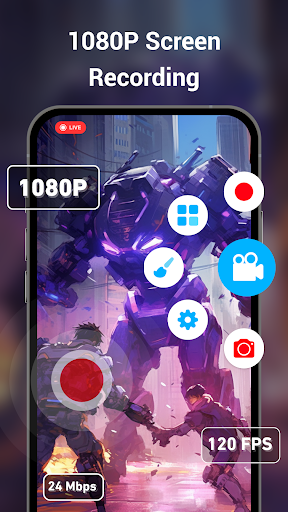
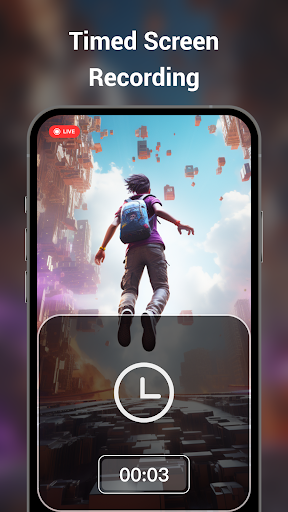
Screen Recorder+Video Recorder captures Android screen activity as video, with screenshots available too. It is suited to people who want to save gameplay, make app demonstrations or tutorials, or capture a video call. Recording controls can be opened from a floating window or notification bar, so you do not have to navigate away from what you are recording.
Useful controls, with device limits
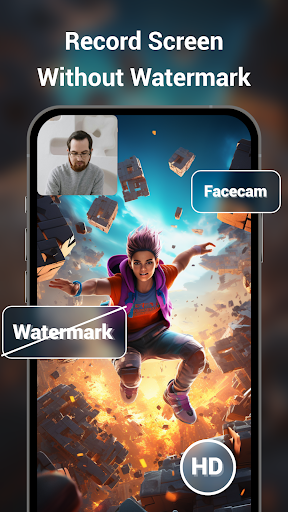
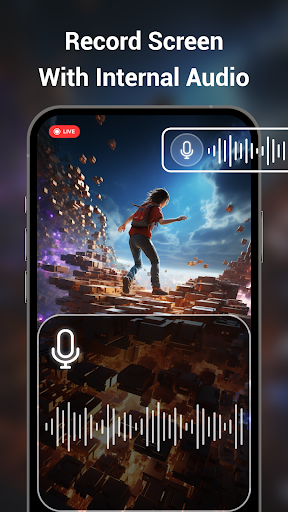
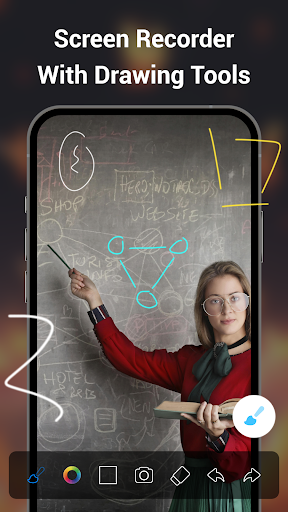
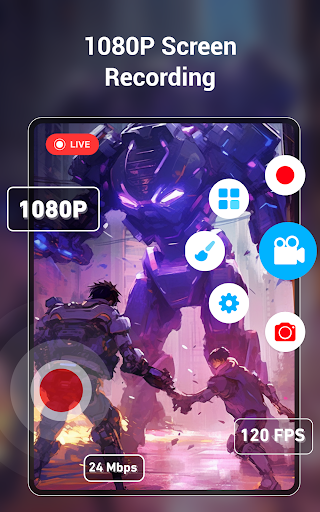
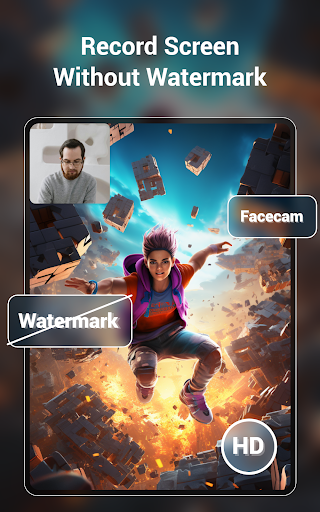
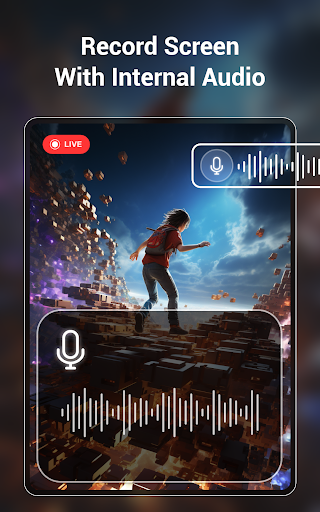
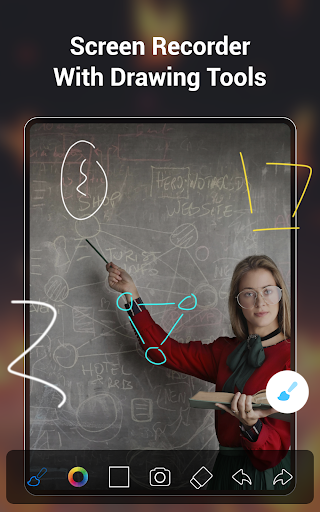
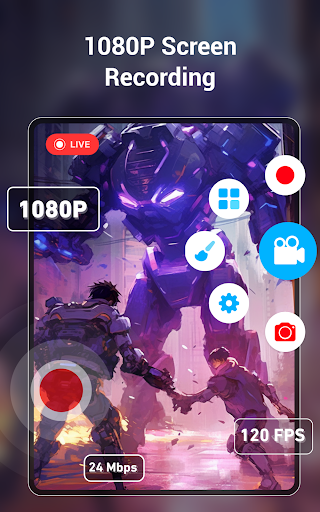
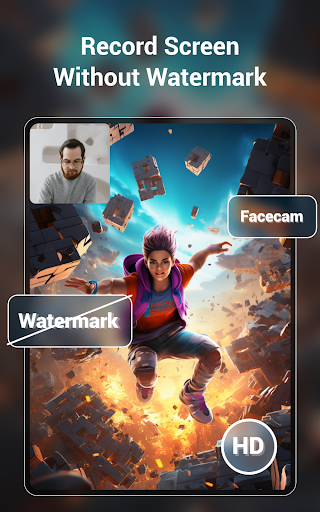
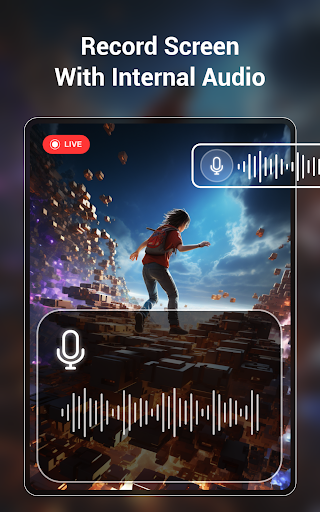
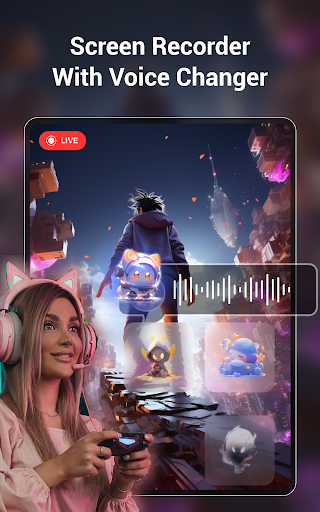
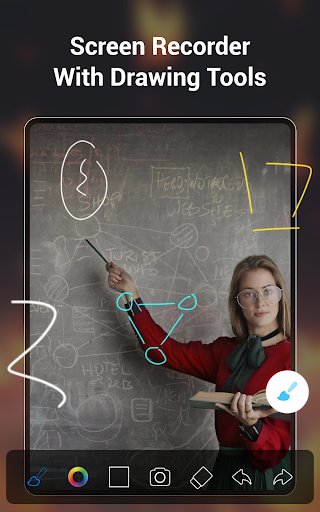
You can adjust resolution, frame rate and bitrate. The listing describes support for settings as high as 2K, 60 frames per second and 12 Mbps, but says the actual options depend on the phone. Audio recording is supported; internal audio is available on Android 10 and above. A front- or rear-camera facecam and on-screen drawing tools add context to a recording, which can help with commentary or lessons.
Where it may not fit
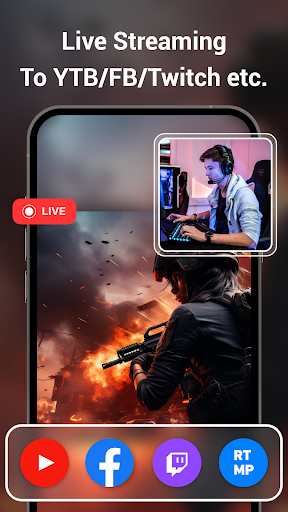
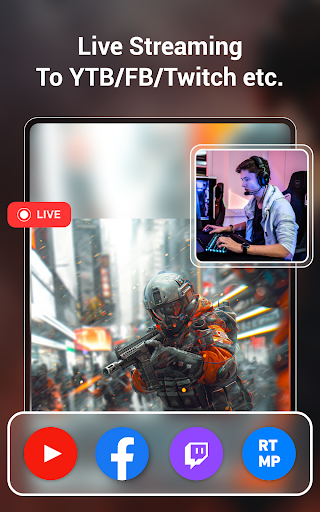
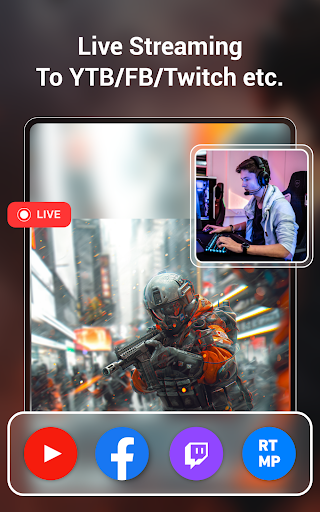
This is a practical choice for recording and sharing clips, but the range of settings may be more than you need for an occasional capture. Check the available quality options on your device before relying on a particular output. Live streaming is included for platforms that accept RTMP, so it is useful only if your chosen service supports that protocol. As with recording calls or other people’s content, consider permission and consent before you capture or share it.
Popularity and recommendation
The app has a 4.59 rating from 56,218 reviews and 5,000,000+ installs. It is published by Video Screen Recorder, Voice Audio Editor, Cut MP3. Recommend it to someone who wants screen recording with options for audio, camera overlay and annotations; it is less compelling if they only need a basic, occasional screenshot.