Advertisement
Click to download now, finish the installation quickly, and directly unlock the all-round experience
Advertisement
Screenshots
Click to download now, finish the installation quickly, and directly unlock the all-round experience
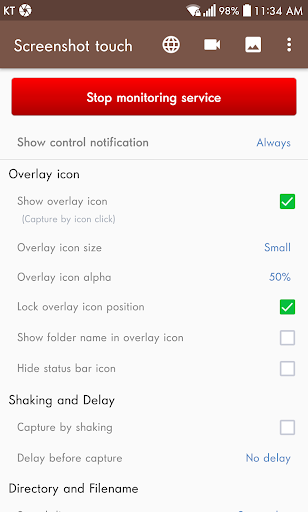
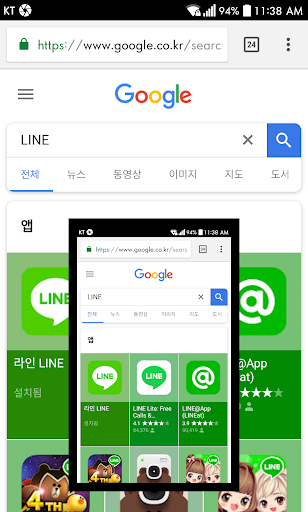
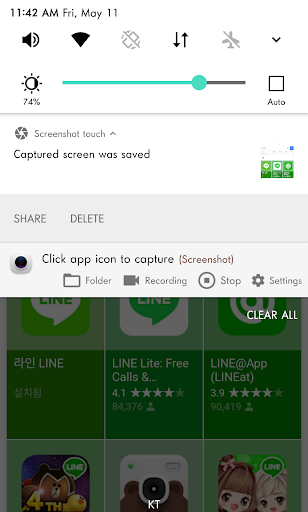
Screenshot touch captures what is on your Android screen using an on-screen control, a notification, or a shake. It suits anyone who wants a quicker way to save screen content, especially people collecting reference images or documenting steps in an app. The app is published by Daejeong Kim and has a 4.46 rating from more than 210,000 ratings, with 10,000,000+ installs.
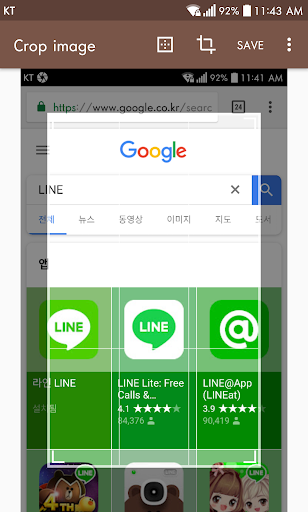
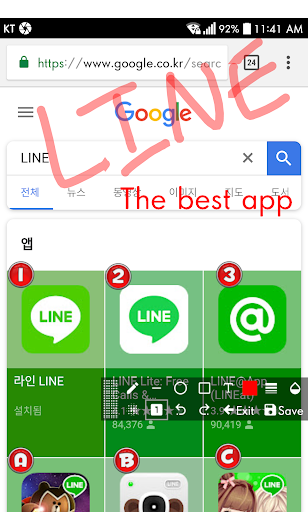
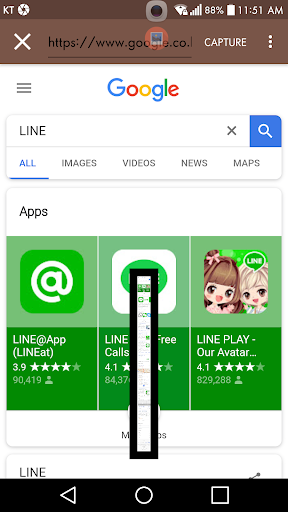
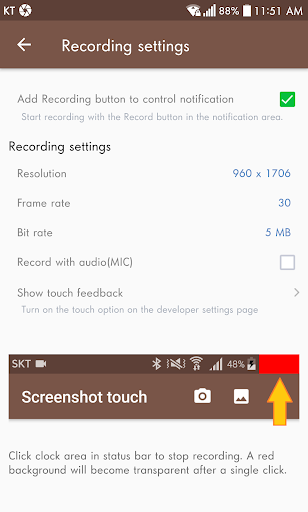
You can crop and mark up images, join multiple pictures, or capture a long web page in the app’s browser. It also includes screen recording, image-to-PDF conversion, and a document scanner. These extras make it useful for more than occasional snapshots, though they may be unnecessary if you only need Android’s built-in screenshot shortcut.
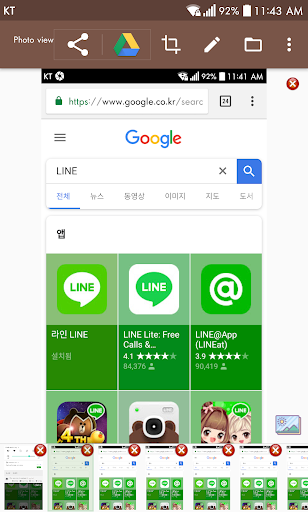
Saving options include choosing folders and file formats. Multiple saving folders can help keep screenshots from different activities separate, while editing tools let you add text or shapes before sharing.
Capturing the screen uses Android’s screen-sharing service, so the system asks for your consent. Some secure apps, including banking and DRM-protected apps, block screenshots; this app cannot bypass those restrictions. Its floating control also needs permission to display over other apps.
It is a good fit for someone who wants capture controls plus basic ways to organise, edit, and share screenshots. If you prefer a simple, built-in tool, its extra controls may feel like more than you need. The app contains ads; in-app purchases can remove them and unlock additional folder and image-format options.